AI development for TradingView

Turn trading ideas into Pine Script.

Xen is a focused AI workspace for creating TradingView strategies and indicators. Describe what you need in plain English, receive structured Pine Script source, then refine it through an ongoing project.

  • £5 introductory credit
  • No subscription
  • Keep your source code
XXENTRADINGVIEW
Pine Script v6 · Credit: £9.84
PROJECT TYPEPine workflow
Build Strategy
Build Indicator
Existing Strategy
Existing Indicator
ACTIVE WORKSPACE

Build Strategy

YOUBuild an EMA crossover strategy with an ATR stop, configurable risk and confirmed-bar entries.
//@version=6
strategy("EMA crossover", overlay = true)
fastEma = ta.ema(close, fastLength)
if barstate.isconfirmed and ta.crossover(fastEma, slowEma)
    strategy.entry("Long", strategy.long)

Build Planner

Complex ideas become clear build steps.

Xen asks up to three focused questions, identifies assumptions and creates an ordered Build Plan you can implement and test progressively.

  1. 01
    Clarify requirementsResolve the decisions that affect the build.
  2. 02
    Create Build PlanTurn the idea into ordered, testable stages.
  3. 03
    Build and test each stageProgress from a smaller working base.

Requirements Verification

See what is complete and what still needs work.

Xen checks the latest complete Pine Script against your original request or active Build Plan, then identifies implemented, partial and missing requirements.

ImplementedEntry and exit rulesPartialSession controlsMissingAlert conditions
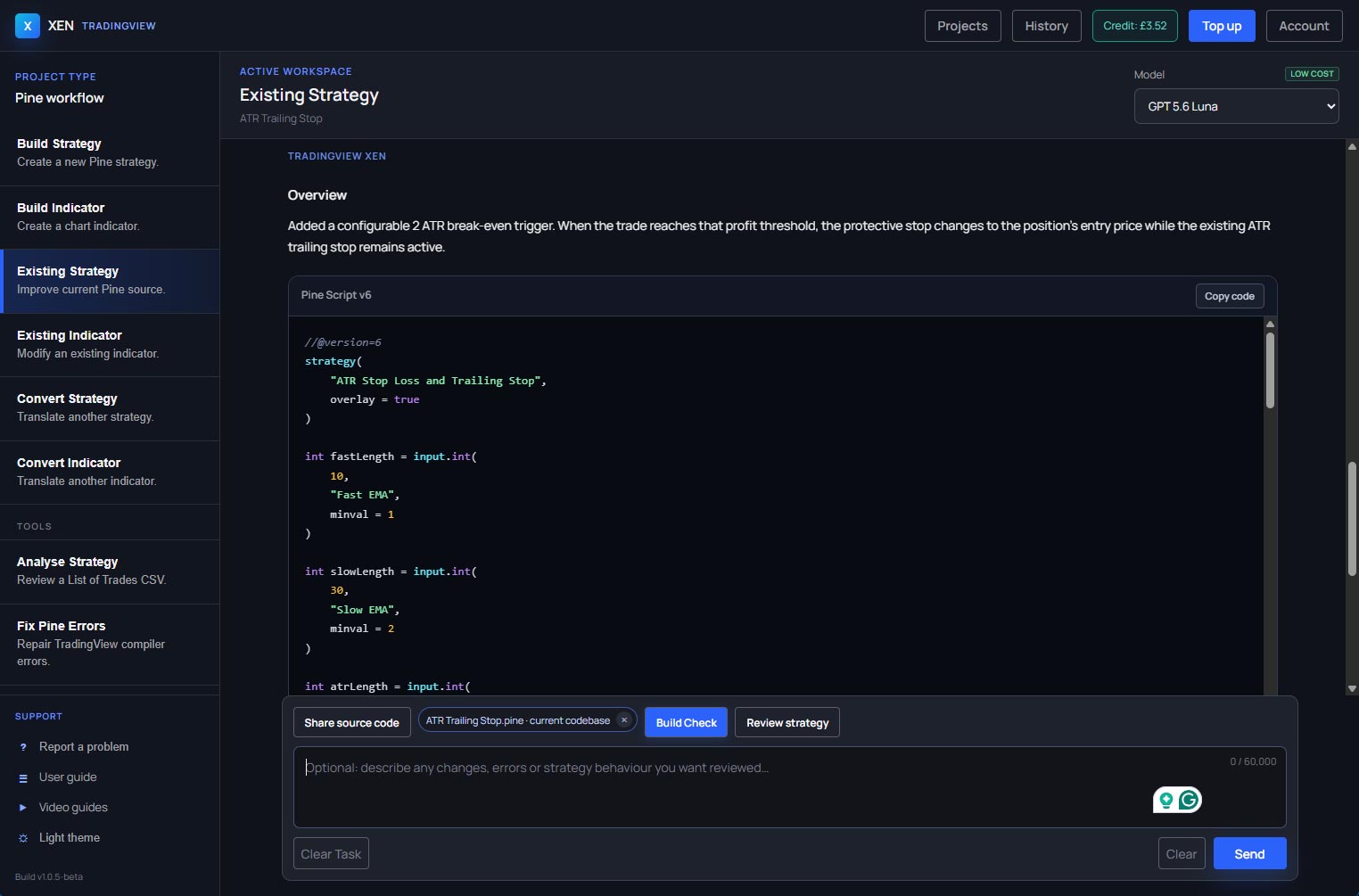
Pine Review

Review Pine Script before testing it in TradingView.

Pine Review can identify common syntax, typing, scope, repainting, lookahead and broker-emulator risks. It is a static review workflow, not proof that a script compiles or behaves correctly.

Runtime authority TradingView’s Pine Editor and Strategy Tester remain the final test.

One focused Pine workspace

Start new source or improve what already exists.

Choose the workflow that matches the job, keep the project context together and receive complete Pine source to test in TradingView.

01

Strategies and indicators

Define trading rules, calculations, plots, inputs and alerts in plain English.

02

Existing-code improvement

Keep your current script as the authoritative source while requesting focused changes.

03

Platform conversion

Bring source from another platform and work through the differences that cannot map directly to Pine.

Pay as you go

Use Xen when you need it. Not every month.

Add credit from £1 and pay for the AI usage behind your work. Your workspace shows the balance and warns you when it is running low.

✓ No subscription✓ Secure top-ups✓ Model choice with visible usage cost
Claim £5 introductory credit
YOUR XEN CREDITAvailable
£9.84Pay only for the AI usage behind your work.
Selected modelVisible cost before use

Questions

Working with TradingView Xen

What does the introductory credit include?

Eligible new users receive £5 of time-limited AI usage credit. No subscription is required, and additional credit starts from £1.

Will Xen compile Pine Script?

No. Pine Review is static. Compile in TradingView’s Pine Editor and validate behavior with charts and the Strategy Tester.

Can I improve an existing script?

Yes. Existing Strategy and Existing Indicator workflows keep your current source available throughout focused revisions.

Does Xen provide trading advice?

No. Xen assists with software development. Every script and trading idea requires independent review and testing.

Build with a clearer process

Turn your next trading idea into Pine Script.

Create an account, receive £5 introductory credit and start building without a subscription.

Create account and get £5 credit